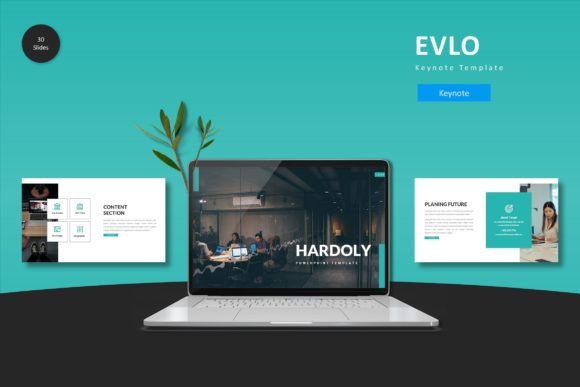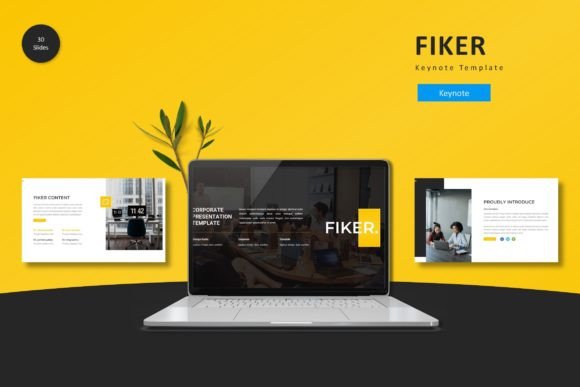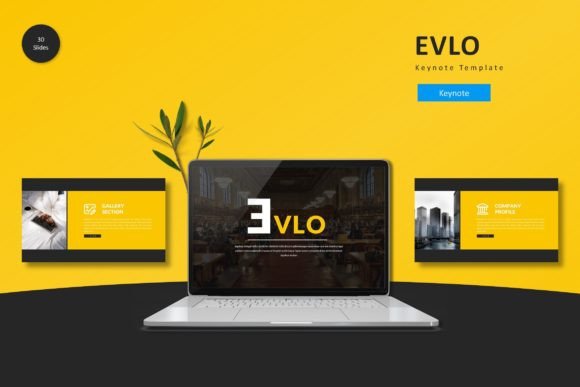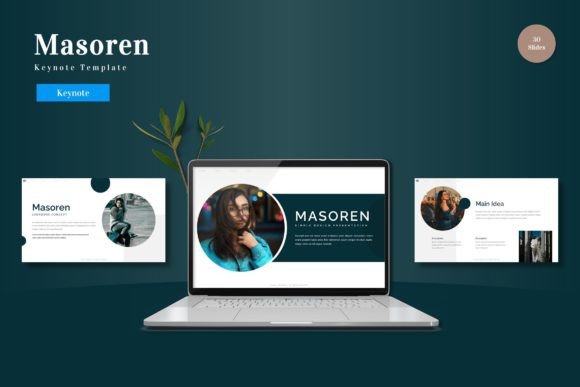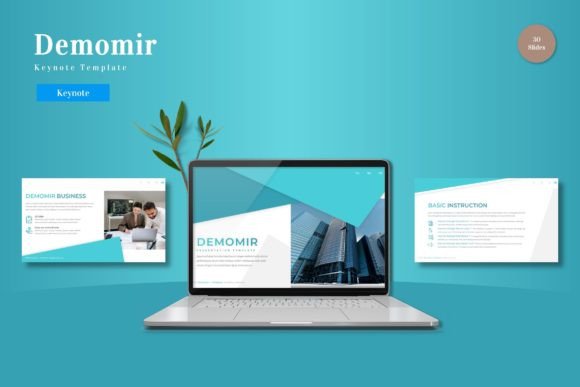
Demomir - Keynote Template
If you have ever spent hours adjusting font sizes, aligning shapes, or hunting for a consistent color palette across a presentation, you know how time-consuming design work can be. Demomir is a Keynote template built to remove that friction. It offers 150 total slides across 5 pre-made color variations, with 30 slides in each set, plus section break slides, handcrafted infographics, and pixel-perfect illustrations. Everything is based on master slides, so you can drag and drop your content, resize graphics, and replace images with picture placeholders. The result is a cohesive, visually engaging experience that lets you focus on your message rather than the layout.
What makes Demomir stand out is not just the volume of slides or the polished look, but how it adapts to different users’ needs. Whether you are a beginner building your first business pitch, an educator structuring a course module, or a creative professional showcasing a portfolio, this template offers practical shortcuts without sacrificing quality.
Why Different Audiences Find Value in Demomir
No two presenters have the same priorities. A startup founder racing toward a funding round cares about speed and professionalism. A freelance designer values flexibility and clean aesthetics. A high school teacher needs clear, modular slides that help students follow along. Demomir hits all these notes, but for different reasons.
For Beginners and Occasional Presenters
If you rarely create presentations or feel overwhelmed by design tools, Demomir lowers the barrier. The template comes with picture placeholders—just drag and drop your image, and it fits perfectly. The 5 color schemes are already harmonized, so you don’t need to worry about color theory. A beginner can open the template, pick a color variation (like the elegant navy or the warm coral), replace the text and images, and have a professional slide deck in under an hour. The section break slides also help you organize content without extra effort—ideal for a school project, a community workshop, or a first client proposal.
Practical example: Imagine you are a small business owner presenting a quarterly update to your team. With Demomir, you select the “Green” scheme, drop in your sales charts using the infographic slides, and adjust the headings. The consistent visual flow makes your data easy to digest, and you feel confident that the slides look as polished as those from a much larger company.
For Busy Professionals and Marketers
Time is often the most scarce resource. Marketers and business professionals need templates that maintain brand consistency without repetitive manual work. Demomir’s master slides allow you to change fonts and colors globally. If your company uses a specific brand font, you can update it once, and all 150 slides reflect that change. The 5 color variations also let you test different moods for different audiences—maybe a cooler blue for a finance presentation and a warmer orange for a creative pitch.
Practical example: A marketing manager preparing a campaign retrospective for stakeholders can pull the “Graphite” variation for a more data-focused look. They use the gallery and portfolio slides to showcase past campaigns, and the infographic slides to highlight key metrics. The entire deck stays on-brand but feels dynamic, and they finish in a fraction of the time it would take to build from scratch.
For Creatives and Freelancers
Designers, photographers, and artists often need presentations that are as visually striking as their work. Demomir’s pixel-perfect illustrations and resizable graphics give you room to play. The template includes fully editable elements, so you can tweak colors, swap icons, or repurpose infographic layouts for your own visual stories. The 150-slide count means you have plenty of variety for portfolio reviews, client proposals, or creative workshops.
Practical example: A freelance graphic designer pitching a brand identity can use the portfolio slides to show before-and-after visuals, the section break slides to separate research from creative concepts, and the infographic slides to explain design rationale. The client sees a coherent narrative that highlights the designer’s attention to detail, and the designer doesn’t have to design slide layouts on top of the actual project.
For Educators and Trainers
Clear structure is critical in educational settings. Demomir’s section break slides act as natural chapter markers, helping learners follow along. The handcrafted infographics can simplify complex topics, like a process flow or comparison table. Educators with limited design experience can focus on content creation instead of worrying about visual hierarchy. The template also works well for training modules or webinar slides, where consistent formatting helps maintain attention.
Practical example: A university lecturer preparing a module on environmental science can use the “Green” color scheme to echo their subject matter. They copy the slide layouts for each week, use infographics to explain the carbon cycle, and rely on the picture placeholders to add satellite images. The result is a professional course deck that students can easily follow, and the lecturer can reuse the template for future semesters with minor updates.
Key Features That Matter in Practice
Beyond slide count and color options, several features address specific pain points:
- Master slides based layout: You can change fonts, colors, and backgrounds globally without editing each slide individually. This saves hours of manual tweaking.
- Drag-and-drop picture placeholders: Insert images quickly and maintain consistent dimensions. No more resizing and cropping manually.
- Resizable and editable graphics: Every illustration, icon, and infographic element can be scaled or recolored. This is useful if your project requires custom visual metaphors.
- 5 color schemes in one download: You get versatility without buying multiple templates. The schemes are carefully balanced, so they work for both light and dark content backgrounds.
- Section break slides: These add breathing room between topics and help your audience mentally segment information.
- Gallery and portfolio slides: Perfect for showcasing work or images in a structured layout, without needing to design from scratch.
How to Decide If Demomir Matches Your Needs
Before committing to any template, consider your primary goal. Demomir leans toward versatility and polish, making it a strong fit for users who need a reliable, all-in-one solution. However, different users will evaluate it differently:
- If your priority is speed: The picture placeholders and master slides make assembly fast. You can create a 30-slide deck in under an hour. Beginners and time-crunched professionals will appreciate this.
- If your priority is creativity and flexibility: The editable graphics and multiple color schemes give you room to experiment. Designers and creators can treat the template as a starting point, not a rigid box.
- If your priority is cost-effectiveness: With 150 slides and 5 color schemes included, Demomir replaces the need to buy several separate templates. Small business owners and freelancers on a budget get good value.
- If your priority is quality and consistency: The handcrafted infographics, pixel-perfect illustrations, and cohesive visual language help you produce a presentation that looks thought-out and professional. This matters for client-facing or high-stakes presentations.
- If your priority is learning: Because the template uses master slides and well-organized layers, it can serve as a learning tool for people who want to understand how professional Keynote presentations are structured. Hobbyists and aspiring designers can reverse-engineer the layouts to improve their own design skills.
Demomir is not a one-size-fits-all solution, but it covers a wide spectrum of use cases. The key is to match the template’s strengths to your current project. If you need a quick, reliable deck for a corporate meeting, the template gives you that. If you want a visually rich portfolio for a creative pitch, the template gives you that too. And if you are somewhere in between—like a blogger preparing a talk at a conference—you can mix and match slide styles to create something that feels personal and professional at the same time.
Ultimately, a good template should feel like an assistant, not a constraint. Demomir succeeds because it offers structure while leaving control in your hands. Whether you are starting from scratch or iterating on an existing presentation, the 5 color variants, 150 slides, and intuitive editing tools help you deliver a message that looks as good as it sounds.